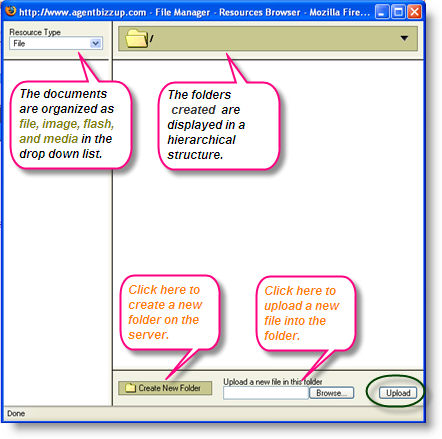
The File manager is the workspace where you can manage all the files related to your website. These files are stored on the server and can be accessed anywhere an internet connection is available. The amount of space you are allowed to use depends on your selected plan. Use File manager to host files that you want to link to such as Word documents, PDF files, etc. Although you can access the File Manager directly but this is not the typical way to upload files that you want to link to. You should use the Upload option in the Insert/Edit Link feature of the Page Editor to upload and link to your documents.
To go to the file manager, go to My website and click File manager from the left navigation panel.
Click the Create New folder to organize folders.
Click Browse to select files from your system.
Click Upload to save them on the server.
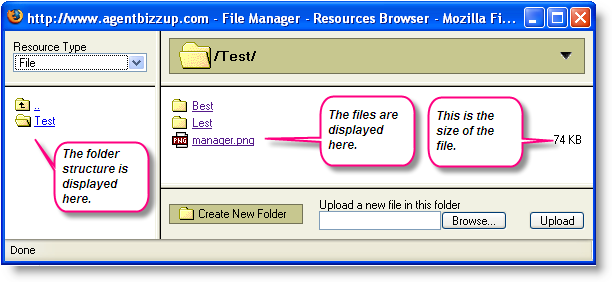
View the screens for more information.
All the photos displayed on your site are stored in this space. The entire website's files are stored in a structured format.
To determine what is the correct URL for the files you have uploaded in the File Manager please view the corresponding article in our knowledgebase (you must be logged into your account to see the correct answer).