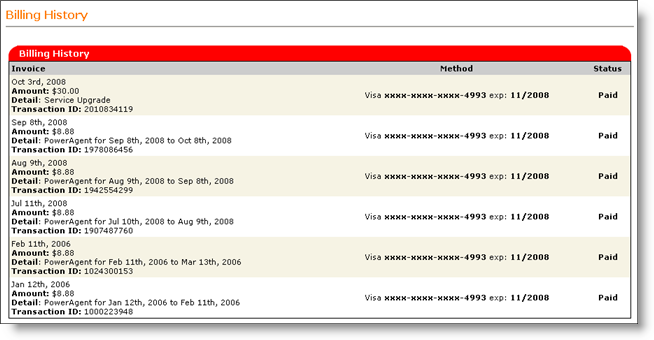
This feature enables you to view your entire billing history. This history reflects the amount of all charges that were incurred, together with the payment date.
Go to Manage Account in the My Account section.
Click Change Billing Information.
The
Billing History Screen appears.
Invoice: This displays the Transaction ID, date of commencement of the plan, amount for the plan and details of the plan.
Method: This displays the method of payment made by the you for the specified plan
Status: This displays the status of payment as Paid/Unpaid