Go to Customize your website of My website.
Click Add photo.
Browse and upload a photo from the disk into the Photo field.
Click
Save and Continue. The Current
Photo is shown in the screen.
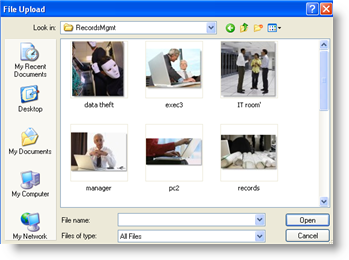
When you click on Browse, the following dialog box appears. Select
the photo (and click Open).